The idea
Two-factor authentication adds a second check at sign-in, so a stolen password alone cannot reach your account. BePrepared does not have built-in two-factor authentication yet, so for now your account security rests on a strong, unique password and the controls on your Account tab.
Using it
Two-factor authentication is not in your account settings right now. Until it ships, here is how to keep your group account secure from the same place.
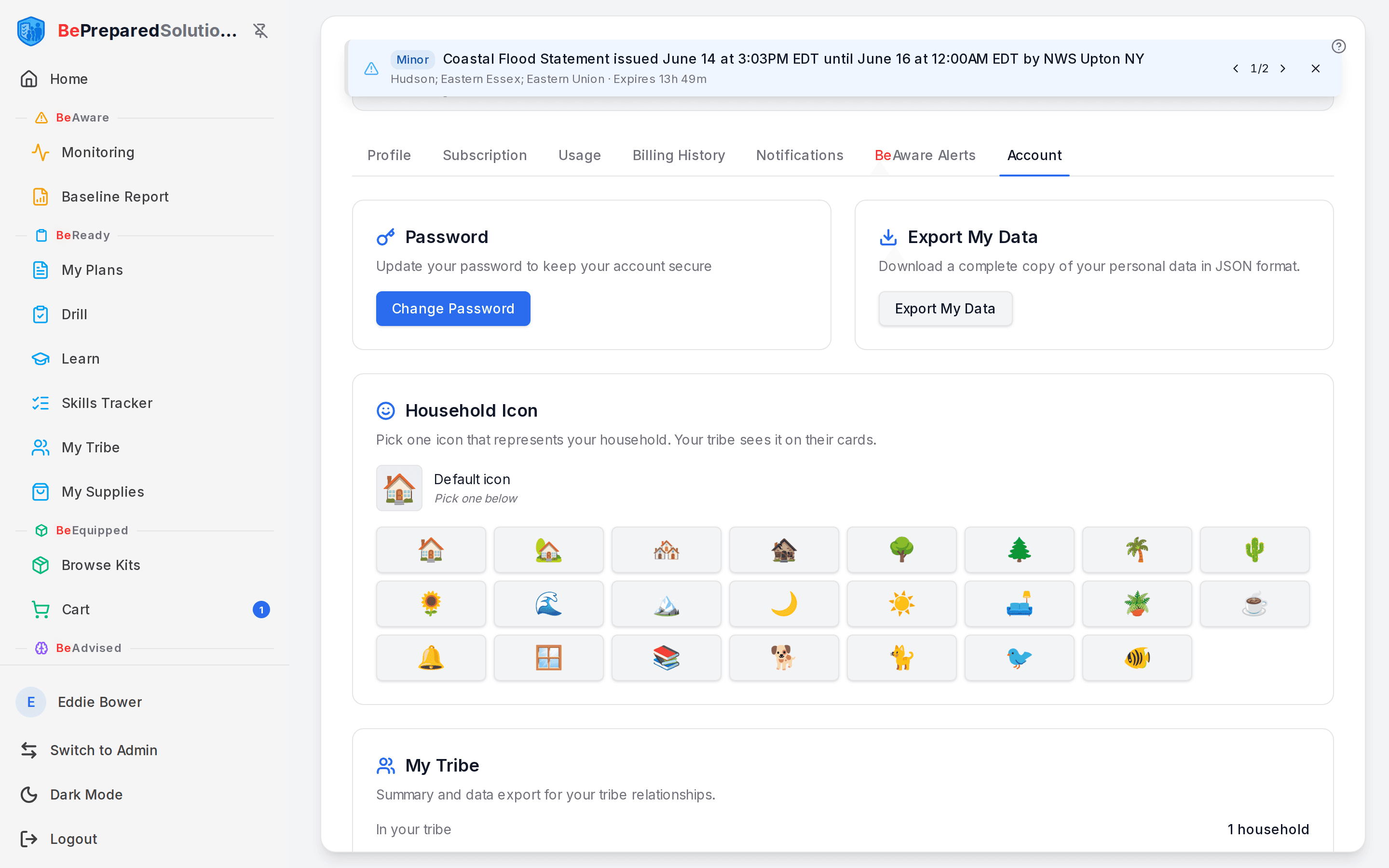
- Open /profile and select the Account tab.
- In the Password card, choose Change Password and set a long, unique password you do not reuse on other sites. This is your strongest protection while two-factor is unavailable.
- In the Export My Data card, choose Export My Data any time you want a full JSON copy of your information for your own records.
- For an extra layer today, store your BePrepared password in a password manager that has its own two-factor login. That protects the password itself even though the app cannot yet prompt for a second code.
What to do when ...
- You only see Password and Export My Data, no 2FA option: that is expected. The feature is not built yet, so there is no QR code to scan and no recovery codes to save. Use a strong, unique password for now.
- You think your password was exposed: change it from the Password card right away, then export your data so you have a clean record.
- Someone asks where to scan an authenticator code: let them know two-factor sign-in is not live yet, so no authenticator app or recovery codes are needed at this point.
How people actually use it
A household admin shares a BePrepared group account with a partner. They set one strong password in a shared password manager, so both can sign in without writing it down anywhere risky. Before a family trip, the same admin exports their data as a JSON backup, so the plan and account details are saved locally even while they are away.
Where this fits
Securing your account protects every part of the loop, from the risks you watch in BeAware to the plans and supplies you build in BeReady. When two-factor sign-in becomes available, you will find it on this same Account tab. Until then, a strong password is your best next step.