The idea
My Tribe is the household you call first when something goes wrong, connected inside BeReady so the two of you can plan together. You decide exactly what to share, line by line, and you can turn any of it off at any time.
Inviting and sharing
Open My Tribe from the BeReady menu (/beready/tribe). You need a BeReady or Combo subscription to use it.
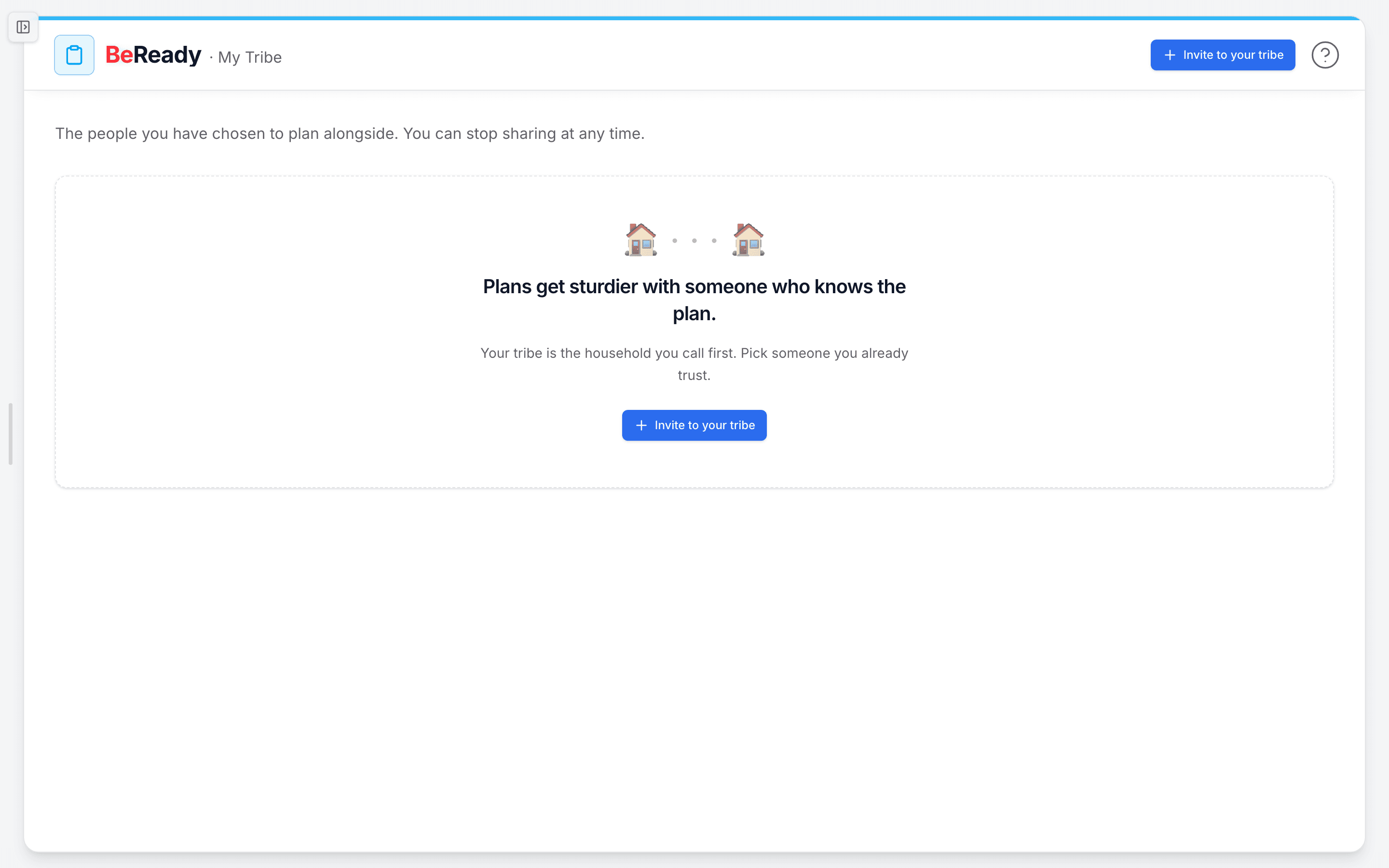
- Click Invite to your tribe. Enter their email. You can add their name and a short personal line of up to 120 characters, like "You came to mind when I was setting up our hurricane plan." That line shows up word for word in their invitation and becomes the origin sentence on your shared card later.
- Under What do you want to share?, check only what you want them to see. One thing is always on: that you are in their tribe roster, which means your display name and the date you connected. Everything else is opt-in:
- They can see your meeting points (your primary and backup spots)
- They can see your out-of-state contact
- They can download your tear sheets (your one-page plan PDFs)
- They can see your skill progress
- They can see your drill completions
- They get a copy of your BeAware alerts (needs BeAware on both sides)
- Use Preview what they will see to read the exact email before sending, then click Send invite. We send it from BeReady on your behalf, and your email stays masked in the message body.
- When they accept, they choose on their own screen what to share back with you. Nothing about your plan moves until you each choose to share it.
What is and is not shared
Sharing happens one line at a time, and every line spells out what it does and does not reveal. A few worth knowing:
- Meeting points: they see your labels and descriptions. They do not see your home address, your exact coordinates, or the routes between points.
- Out-of-state contact: they see that person's name and how to reach them. They do not see your other emergency contacts or notes.
- Skill progress and drills: they see what you have started or completed. They do not see your notes, your answers, or what you practiced.
- Tear sheets: they can download your published one-pagers. They do not see drafts or edits in progress.
Two lines, meeting points and out-of-state contact, only show real data when both of you have turned them on. Until then the data stays held quietly, never one-sided. Your raw home address and login details never flow to anyone, on any line.
Co-practicing a drill
When you and a tribe member both share drill completions, a calm Co-practice nudge appears on your shared card. It suggests an open time and links you to Plan a shared tabletop in your drills. It is an invitation, not an assignment, with no due dates and nothing urgent about it. If only one of you has shared drill progress, you will see a quiet note about turning on mutual sharing to unlock it.
Changing or revoking what you share
- To adjust a line, open a tribe card and click Scopes ("What do you share?"). Check or uncheck anything. The first time you turn on a new line, you will see a short note confirming what it shares before you save.
- To stop entirely, click Stop sharing on that person's card. There is no confirmation pop-up, because this is a normal choice. Sharing ends right away and the connection moves to Past tribes.
What to do when ...
- The invite is still pending: it sits under Pending with its sent and expiry dates, and shows "Opened" once they have looked at it. You can resend or cancel it from there.
- A "paused" tag appears on a line: the BeAware-alerts line needs BeAware on both sides. If either subscription lapses, that one line goes quiet and reactivates when you are both back on BeAware. Nothing else is affected.
- You change your mind about a person: use Stop sharing. They keep nothing of your plan after that.
How people actually use it
A daughter invites her father, shares her meeting points and her out-of-state contact, and he shares his back. Now each household knows where to regroup and who to call if phones are down. Two neighbors both turn on drill completions, see the co-practice nudge, and run a 20-minute tabletop on a Saturday morning, so the plan is muscle memory before storm season instead of a document nobody has opened.
Where this fits
My Tribe is the "have a plan, together" step in the loop from knowing your risk to having supplies and practicing. Once your tribe is set, a natural next move is to run a drill with them so the plan holds up when it counts.